- Tom
- ai, News, Technology
- 0 Comments
- 18280 Views
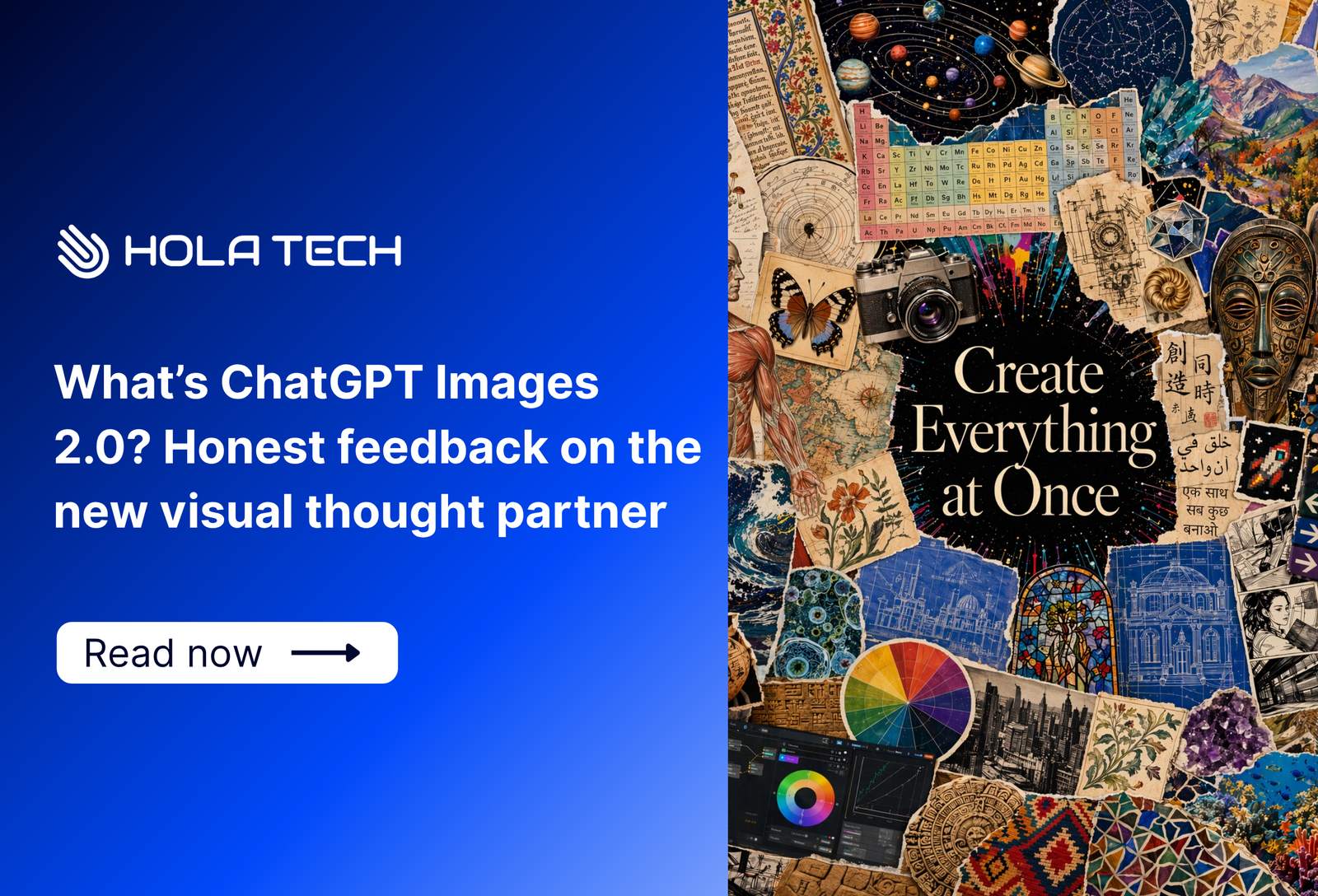
What’s ChatGPT Images 2.0? AI visual thought partner’s honest feedback
1/ Key takeaways
ChatGPT Images 2.0 represents a significant shift from a simple generator to a highly capable AI visual thought partner. By following our strategic tips and reset techniques, you can master this tool to create high-quality, localized assets for any market.
2/ What’s ChatGPT Images 2.0? AI visual thought partner’s honest feedback
2.1. The launch of ChatGPT Images 2.0
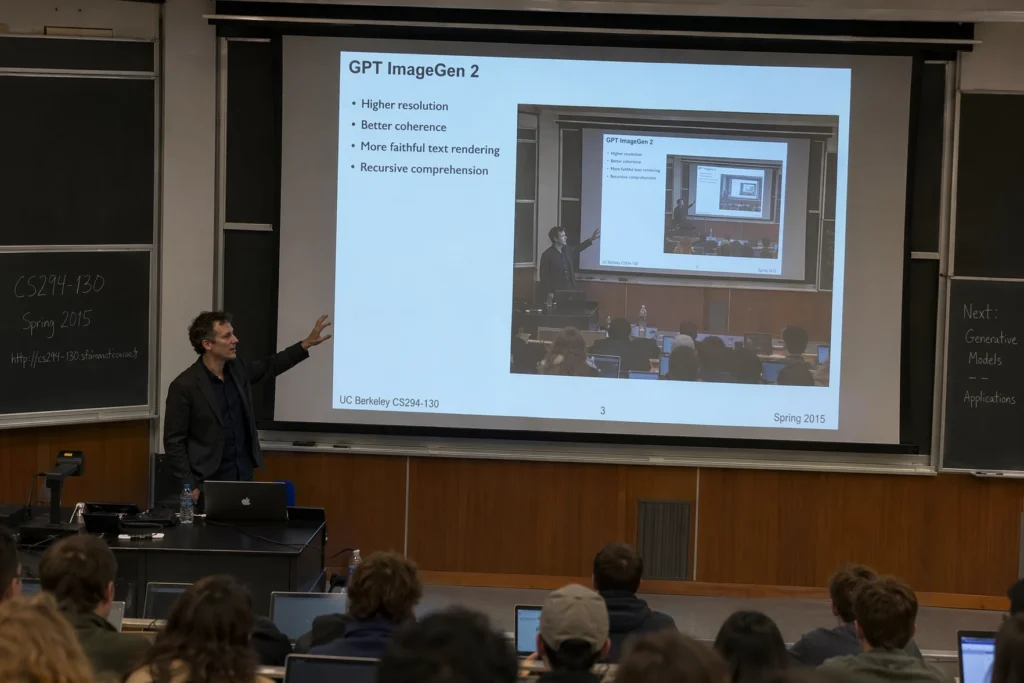
OpenAI has officially launched ChatGPT Images 2.0. This model marks a major shift from a simple rendering tool to what the company calls an AI “visual thought partner.” This system can reason through complex tasks and verify its own work before showing it to you. It even creates up to eight consistent images from a single prompt. While the update is rolling out to all users, the advanced “thinking” features are reserved for paid subscribers. The model is a massive leap forward in following instructions and placing objects accurately. Consequently, creators can now generate high-resolution UI elements and iconography at 2K quality.
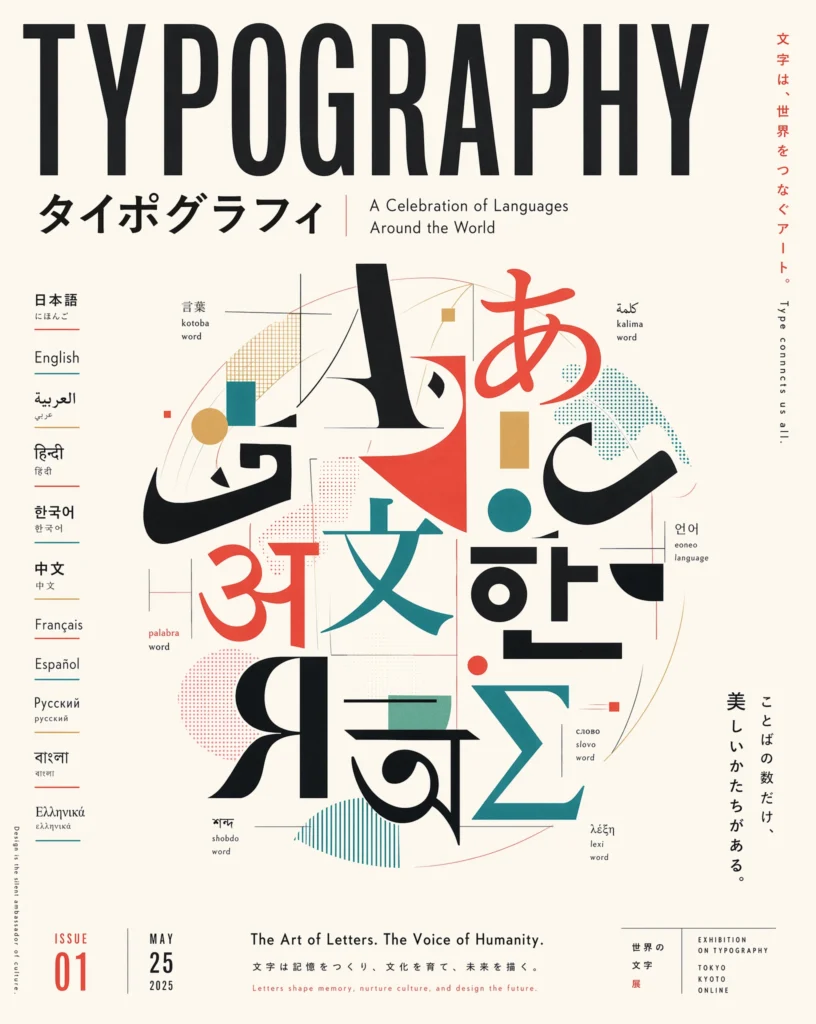
The update also brings a “step change” in multilingual support for global users. Earlier models often struggled with dense text, but this version renders non-Latin scripts like Chinese, Hindi, and Japanese with ease. Furthermore, the addition of flexible aspect ratios makes it easier to create content for banners and mobile screens. Interestingly, India has already emerged as the largest user base for this new technology. Most early users are focusing on stylized portraits and fantasy-themed avatars for their personal brands.
2.2. ChatGPT Images 2.0 reviews from users
This AI visual thought partner has received high praise for its incredible realism and visual quality. Early adopters are sharing impressive results, particularly when recreating niche aesthetics like 90s-style photography. One user noted, “This is just INCREDIBLE the level of realism!” The tool excels when processing highly specific and intricate prompts from creators. Consequently, users can achieve polished results that previous models often missed. One reviewer mentioned that detailed instructions were the key to unlocking high-quality images. This precision makes the model a powerful asset for designers.
Despite the visual praise, some users have identified a few practical hurdles. AI researcher Ethan Mollick observed that iterative editing can sometimes hit a wall. He noted that progress often stalls after the first few rounds of changes. However, you can fix this by dropping the image into a fresh chat to reset the context. Some creators also still prefer Nano Banana because it remains faster and free to use. Many agree it usually does a decent job for quick tasks. Even so, ChatGPT Images 2.0 is proving to be a formidable competitor in the current market.
3/ Hola Tech’s pov:
At Hola Tech, we recommend using ChatGPT Images 2.0 for high-level technical prototyping and localized branding. You can generate consistent UI/UX flows across eight frames to visualize a mobile app journey instantly. Since the model handles non-Latin scripts with precision, it is perfect for creating ad mockups for markets in China or India. Furthermore, it excels at producing high-resolution iconography for technical manuals. By using the tool for these complex tasks, you move beyond simple art into functional business assets.
To get the best results, you must provide highly detailed and specific prompts as deep instructions were the key to generating a high-quality, intricate image. Additionally, you should utilize the image-to-image feature to refine and improve your existing renders. This allows you to build upon a solid base rather than starting from scratch every time. If you encounter technical bugs or strange visual artifacts, remember that you cannot “unprompt” an error. These artifacts are often technical bugs within the diffusion model that require a fresh start. Consequently, your best move is to drop your image into a new chat or use a different base image entirely. This “Reset Strategy” clears the context and allows the visual thought partner to focus on your new goals. By following these steps, you can avoid common pitfalls and maximize your creative output.
Want to stay ahead of the curve in the world of decentralized technology and AI? Check out Hola Tech blog for more exciting technology news and useful information!

author
I leverage my skills in strategic planning, team coordination, and technology solutions as the Co-founder and COO of Hola Tech. Passionate about innovation and efficient problem-solving, I am dedicated to pushing the boundaries of what is possible in the tech industry with Hola Tech